How to Add a Promotion on LinkedIn
GuideUpdating your LinkedIn profile with a promotion - Highlights Career Growth* - Enhances Professional Visibility - Attracts Opportunities
Keeping your LinkedIn profile updated with your latest achievements is crucial for maintaining a professional online presence. Adding a promotion to your LinkedIn profile not only showcases your career progress but also keeps your network informed of your new roles and responsibilities. In this guide, we'll walk you through the steps to effectively add a promotion on LinkedIn.
Table of contents
- Why Adding a Promotion on LinkedIn Matters
- Steps to Add a Promotion on LinkedIn
- Enhancing Your LinkedIn Promotion
- How Web Scraping Tools Can Assist
- Conclusion
Why Adding a Promotion on LinkedIn Matters
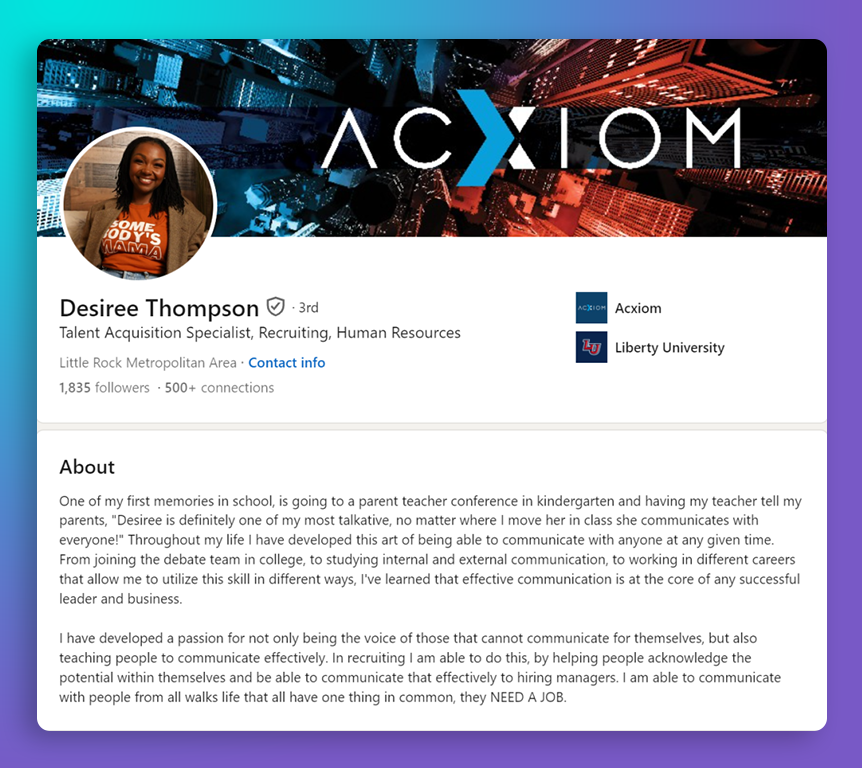 Updating your LinkedIn profile with a promotion:
- Highlights Career Growth: Showcases your career advancements and achievements.
- Enhances Professional Visibility: Keeps your network informed and engaged with your professional journey.
- Attracts Opportunities: Opens doors for new connections, job offers, and collaborations.
Steps to Add a Promotion on LinkedIn
Adding a Promotion Within the Same Company
If you’ve been promoted within the same company, follow these steps:
- Go to Your LinkedIn Profile: Navigate to your profile page.
- Update Existing Position: Find your current role under the Experience section and click the pencil icon to edit.
- Adjust Job Title and Dates: Update your job title and end date for the previous role. If prompted, add the new position with its start date.
- Describe New Responsibilities: Include details of your new responsibilities and achievements.
- Save Changes: Click ‘Save’ to update your profile.
Adding a New Position for a Significant Promotion
For a more substantial promotion or a new company:
- Navigate to Experience Section: Click on "+ Add position."
- Enter New Role Details: Fill in the company, title, location, and time period of your new role.
- Describe Achievements: Add a description of your new responsibilities and key accomplishments.
- Share with Network: Decide whether to notify your network about the update.
- Save Position: Click ‘Save’ to add the new role.
Enhancing Your LinkedIn Promotion
Optimize Your Profile
- Update Your Headline: Reflect on your new role in your headline, including relevant skills.
- Add Skills and Endorsements: Update the Skills section and request endorsements.
- Seek Recommendations: Ask colleagues for recommendations that highlight your new role.
Use LinkedIn Features
- Tag Relevant Contacts: Tag colleagues or companies to increase visibility.
- Utilize Hashtags: Use relevant hashtags to improve discoverability.
- Link to Projects: Include links to relevant projects or achievements.
How Web Scraping Tools Can Assist
Web scraping tools, like those offered by MrScraper, can support your LinkedIn strategy by:
- Monitoring Competitor Promotions: Track how competitors update their profiles and promotions.
- Gathering Insights: Collect data on trends and best practices for profile updates.
- Enhancing Outreach: Automate and analyze LinkedIn data for more effective networking.
Conclusion
Updating your LinkedIn profile with a promotion is an essential step in reflecting your professional growth. By following these steps and utilizing LinkedIn’s features, you can effectively showcase your achievements. Visit MrScraper to explore how our web scraping tools can enhance your LinkedIn marketing efforts.


Find more insights here
How to Collect Real Estate Data at Scale With a Web Scraping API
Learn how to collect real estate data at scale using a web scraping API — property listings, pricing...
How to Use a Web Scraping API for Market Research (Step-by-Step Guide)
Learn how to use a web scraping API for market research — collecting competitor data, pricing intell...
How to Automatically Extract Tables From Websites Into a Spreadsheet
Learn how to automatically extract tables from websites into a spreadsheet — using Python pandas, Go...