
How to Scrape RemoteOK.com Job Listings Using MrScraper
GuideRemoteOK.com is one of the best platforms for finding remote jobs, but manually browsing through listings can be time-consuming. Luckily, with MrScraper, you can automate this process and collect the job data you need quickly and efficiently.
 RemoteOK.com is one of the best platforms for finding remote jobs, but manually browsing through listings can be time-consuming. Luckily, with MrScraper, you can automate this process and collect the job data you need quickly and efficiently. In this post, we’ll guide you through an easy step-by-step process to scrape Remote OK’s job listings using MrScraper.
Why Scraping Makes Job Hunting Easier
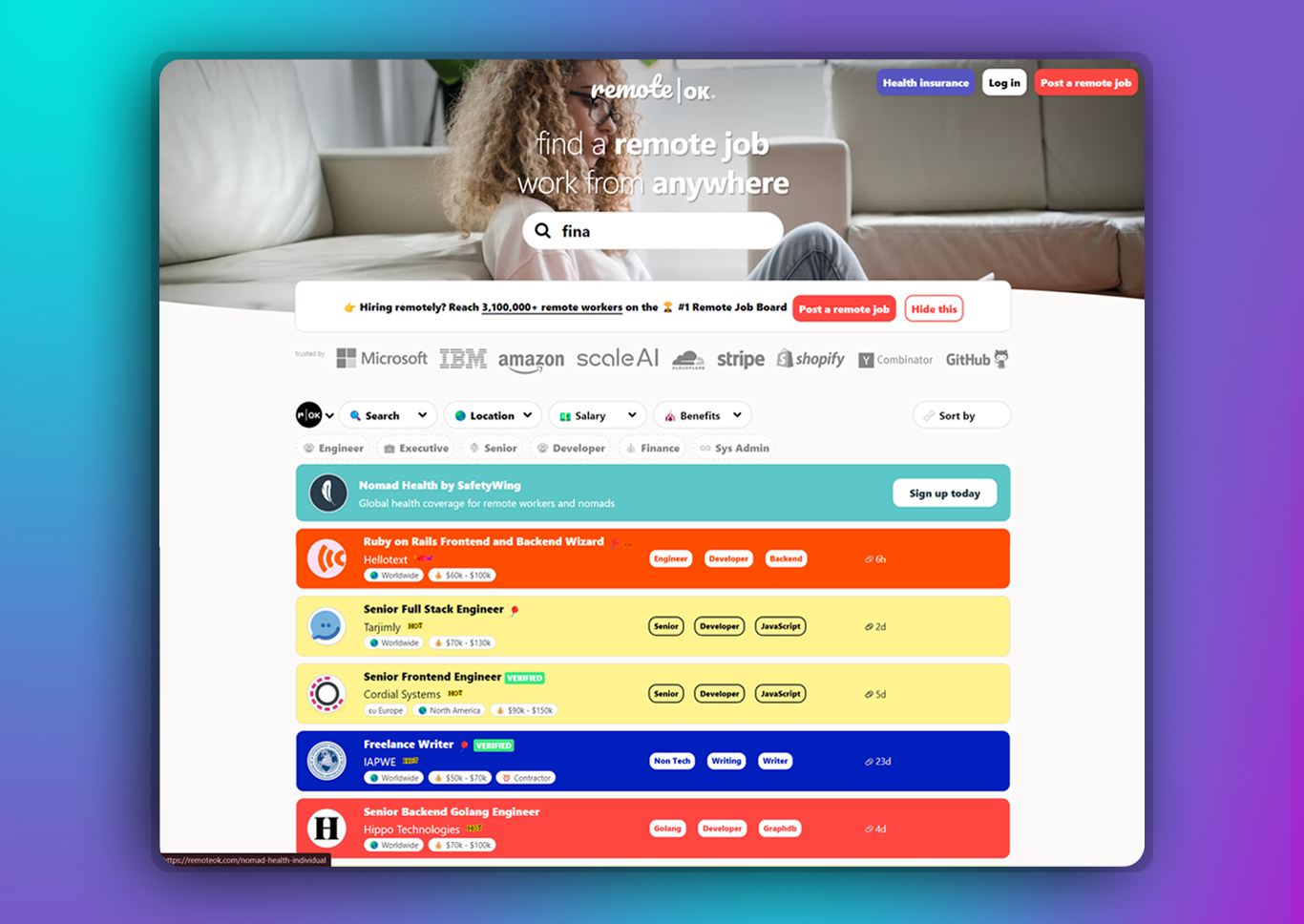 Remote job boards like RemoteOK.com offer an extensive range of job listings, but navigating through them manually can be daunting. Scraping allows you to extract specific job data, such as titles, companies, locations, and application links, directly into a structured format like a spreadsheet or database. This means you can quickly filter through jobs based on your preferences, saving time and increasing efficiency.
How to Scrape RemoteOK Using MrScraper
Scraping RemoteOK.com with MrScraper is straightforward. Here’s a step-by-step guide to get you started:
1. Sign Up MrScraper:
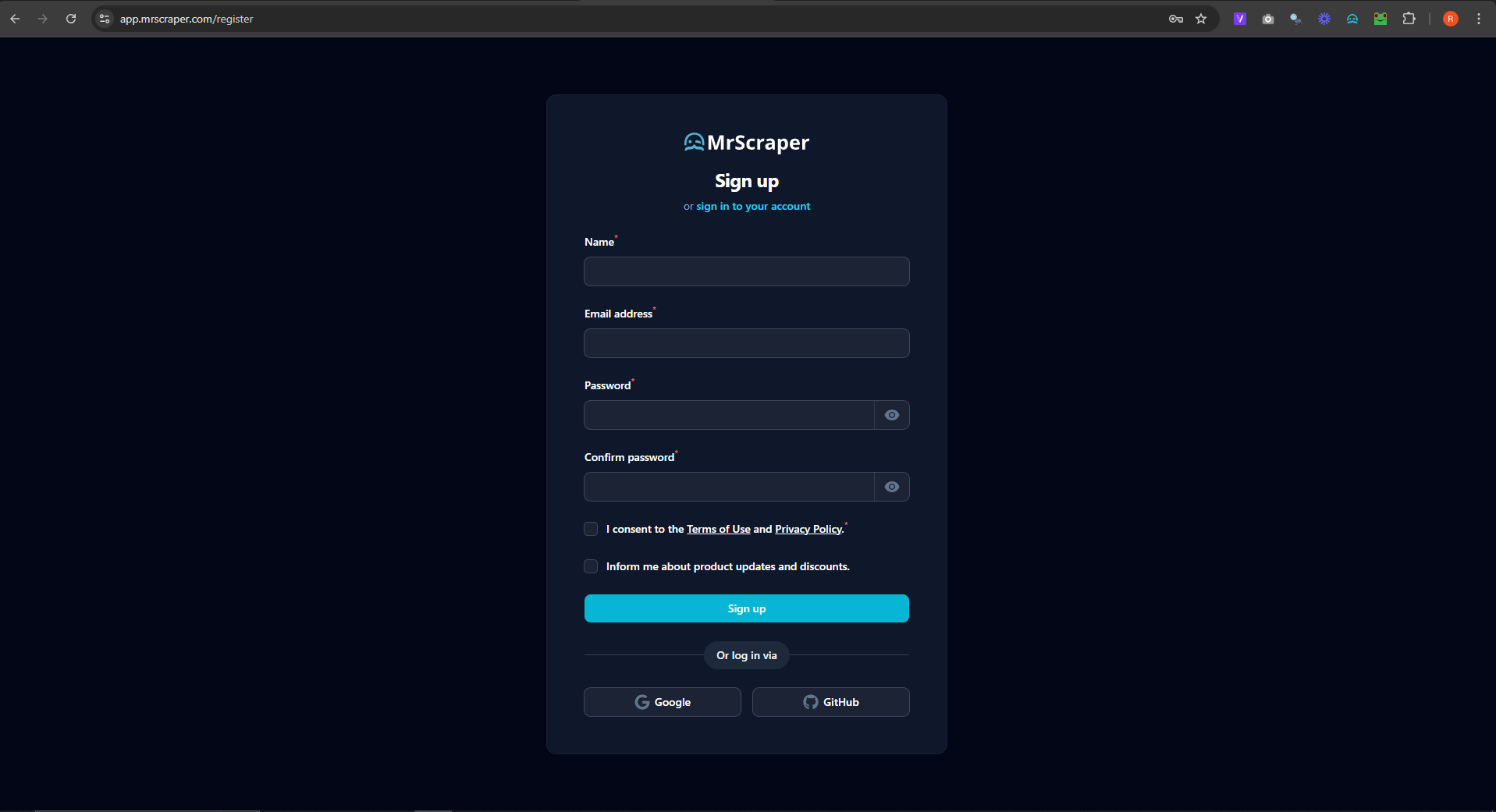 Start by creating an account on MrScraper. You can pick from a variety of subscription plans that suit your scraping needs. Once your account is set up, you'll be able to access the dashboard, where you can oversee all your scraping activities.
2. Create the Scraper:
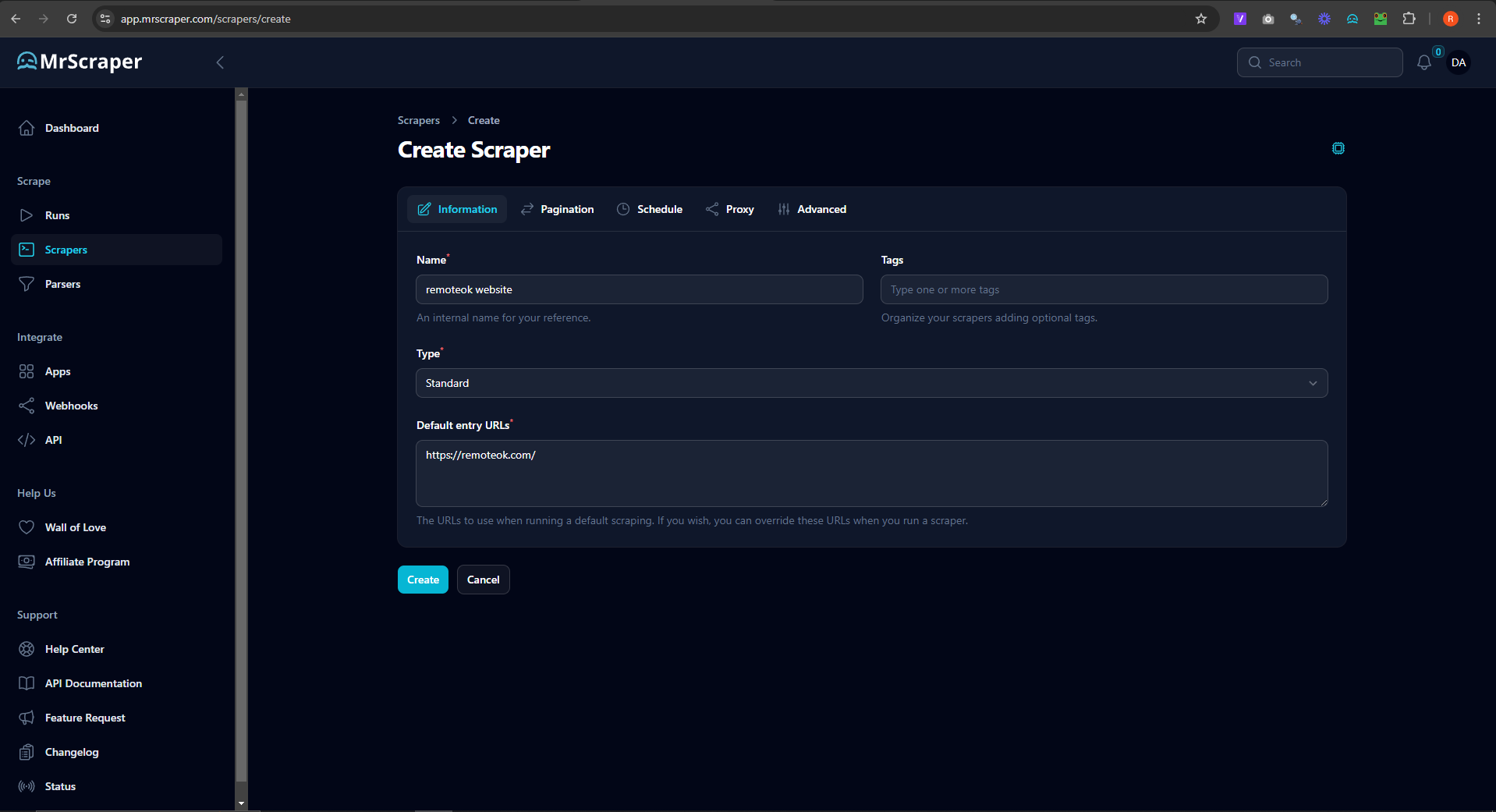 Next, set up a scraper for
 https://remoteok.com/. Navigate to the scrapers menu and select "Manual Scraper." Input the URL https://remoteok.com/ to begin.
3. Create the Workflow:
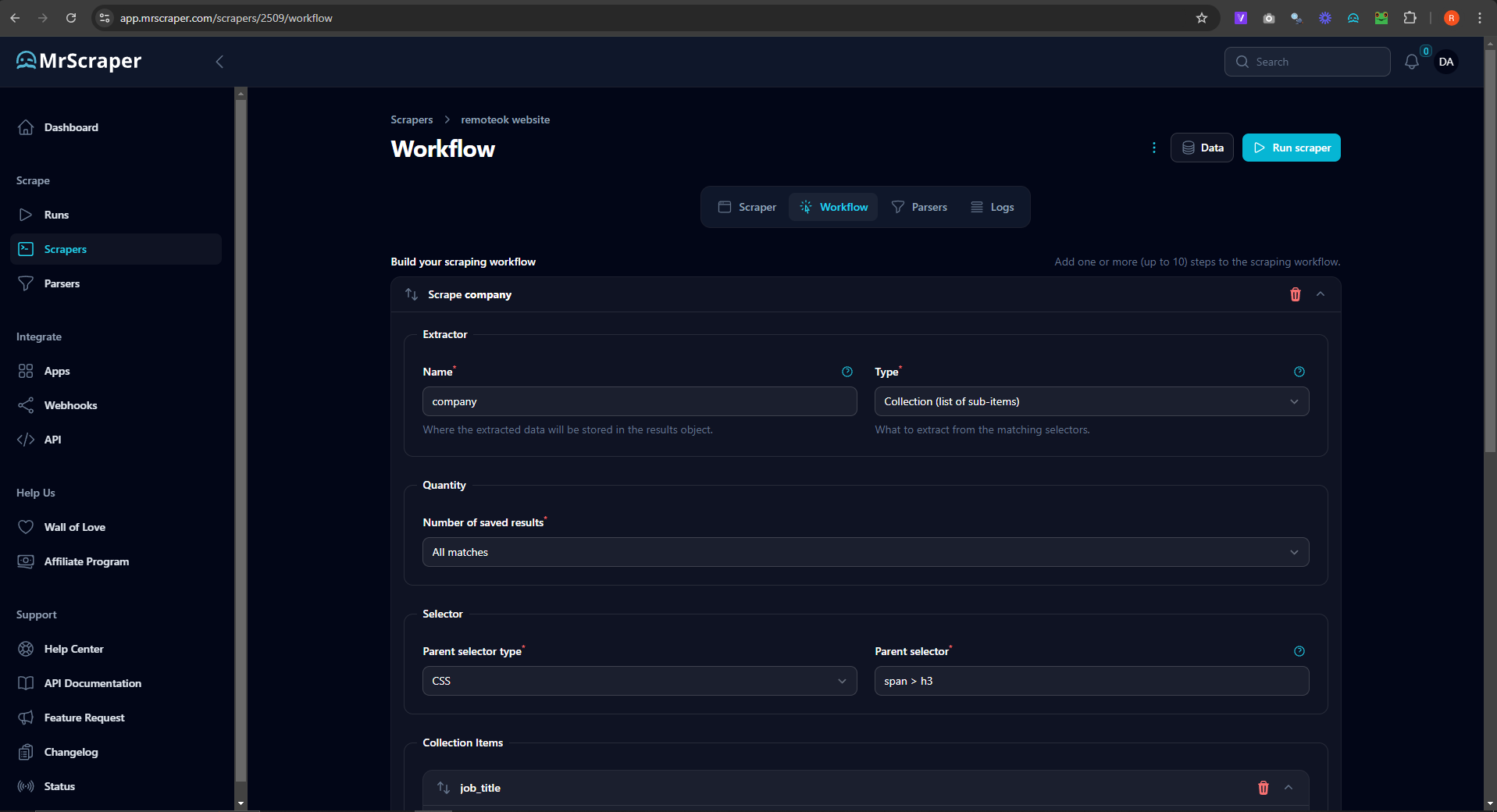 For the container selector, you need to set the scraper workflow type to "Collection (list of sub-items)". As in the image above. You can fill the parent selector with
 td.company and then the collection items selector with a.preventLink > h2
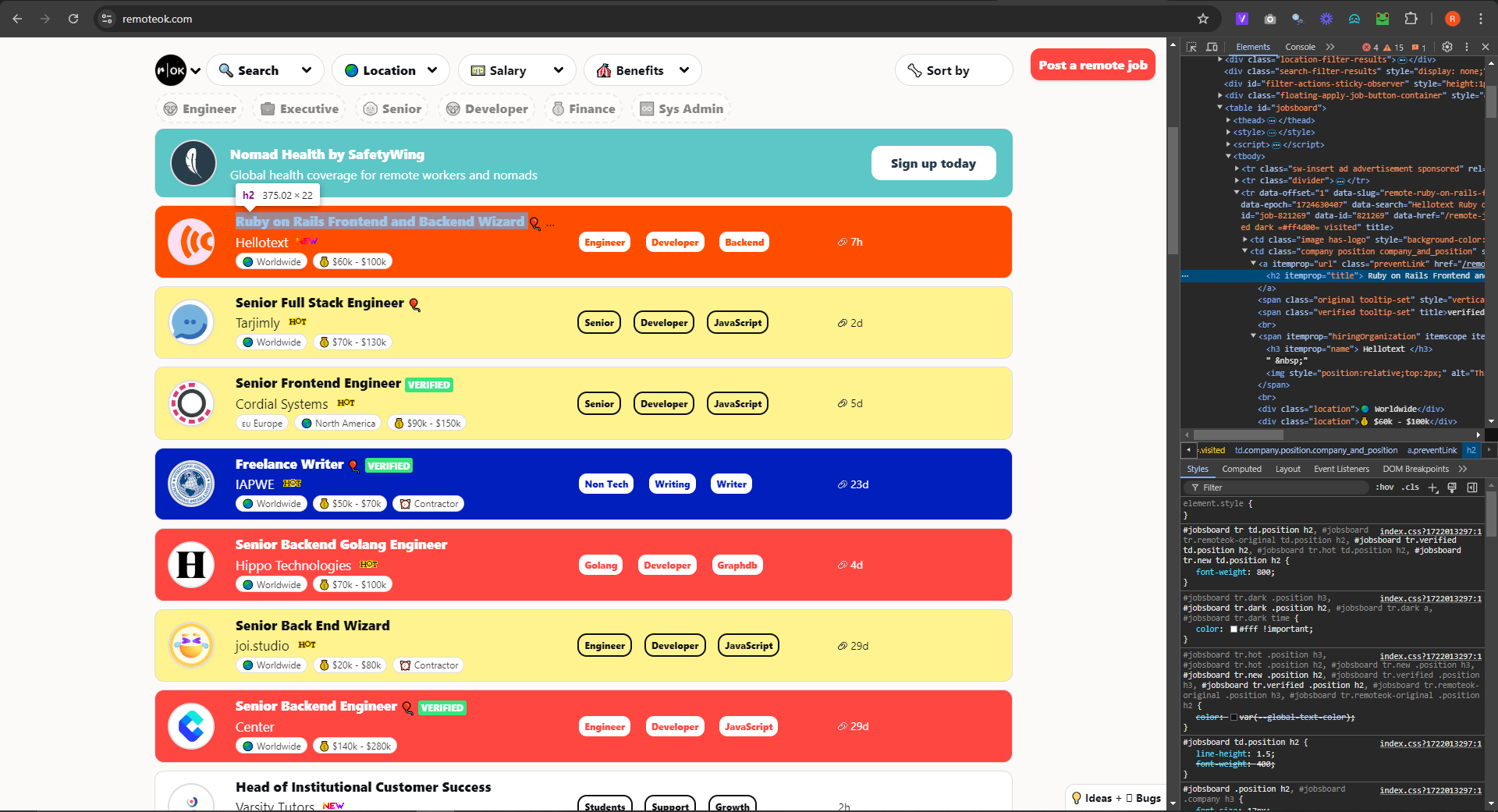 The selector stands for its component within the website itself.
4. Run the Scraper and Get the Result:
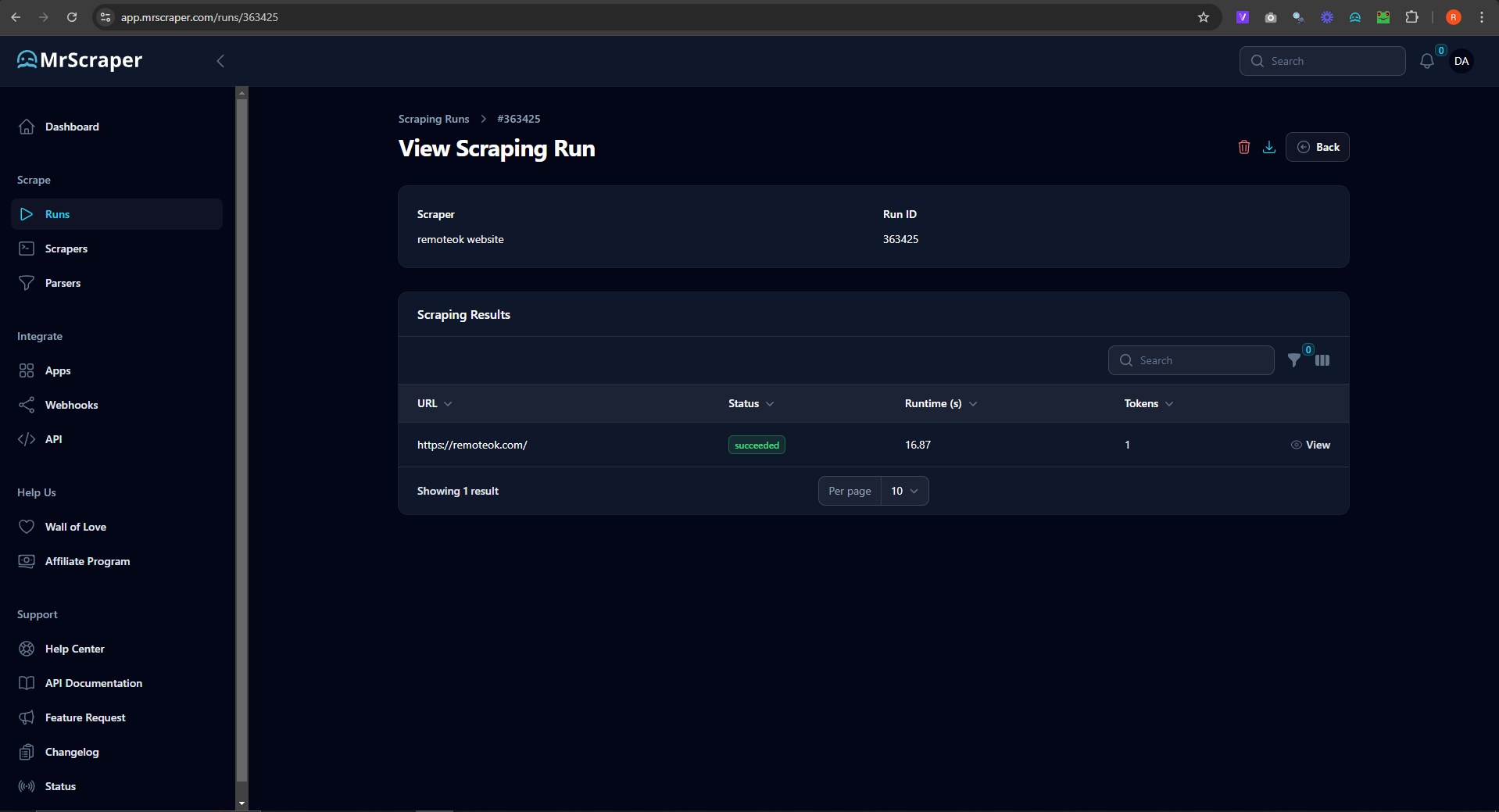 Once you fill in the field, you can start running the scraper and wait to get its data loaded.
Why MrScraper is the Best Tool for the Job
MrScraper simplifies the scraping process by offering a no-code solution with advanced features like data extraction, filtering, and integration with various tools. Unlike other scrapers that require technical know-how, MrScraper is accessible to everyone, making it ideal for job seekers who want to maximize their chances without getting bogged down in technical details.
Conclusion
Scraping job listings from RemoteOK can give you fast and easy access to a wealth of job data without having to click through pages manually. With MrScraper, the process becomes even smoother, allowing you to stay focused on the bigger picture – whether it’s landing your dream job or tracking remote opportunities for your company.
Ready to give it a try? Sign up at MrScraper.com today and start scraping in minutes!


Find more insights here

The Importance of MAP Monitoring in Today’s E-Commerce Market
Minimum Advertised Price Monitoring helps brands track pricing violations, protect margins, and main...

Data Parsing Explained: Definition, Benefits, and Real Use Cases
Data parsing is the process of extracting and converting raw information into structured data. Learn...

A Practical Guide to Using SEO Proxies for Search Engine Optimization
SEO proxies help marketers collect accurate ranking data, scrape SERPs safely, and perform automated...