How to Download YouTube Shorts and Extract Useful Content
GuideLearn how to save YouTube Shorts and extract valuable content like hashtags, descriptions, and links using scraping tools such as MrScraper.
YouTube Shorts has become one of the fastest-growing platforms for short-form content. Whether you’re a content creator, marketer, or researcher, you might want to save Shorts for:
- Offline viewing
- Trend research
- Content inspiration
- Competitive analysis
And sometimes, downloading just the video isn’t enough—you may also want the video’s title, hashtags, description, or even the channel info.
What Is a YouTube Shorts Downloader
A YouTube Shorts downloader is a tool that allows you to save short videos from YouTube. These tools are useful for:
- Keeping videos for future reference
- Reviewing videos offline
- Archiving inspirational content
But when you want to gather more details beyond the video file, scraping tools come into play.
Extracting Hashtags and Descriptions from YouTube Shorts
If you need more than just the video, tools like MrScraper can help you extract:
- Video title and description
- Hashtags used in the video
- Upload links and channel names
- Metrics like views or upload time
This is especially valuable for those doing trend tracking, SEO, or content analysis.
How to Download and Extract Data from YouTube Shorts
- Copy the URL of the YouTube Short
- Use a Shorts downloader to save the video
- Use a tool like MrScraper to extract extra details
- Store and analyze the content for your purpose
Make sure to follow platform terms and use the data responsibly.
Who Can Benefit From This
Downloading and extracting content from Shorts is useful for:
- Marketing teams studying video trends
- Content creators building strategy
- Researchers collecting social media data
- Agencies tracking industry content
It’s a smart way to stay ahead of what’s working in short-form video content.
Wrap Up
YouTube Shorts are packed with fast-moving, viral content. With the help of a downloader and a scraping tool like MrScraper, you can save and understand this content better—giving you more ways to learn, plan, and create.
Visit MrScraper.com to explore tools for automating content extraction from YouTube and other platforms.


Find more insights here
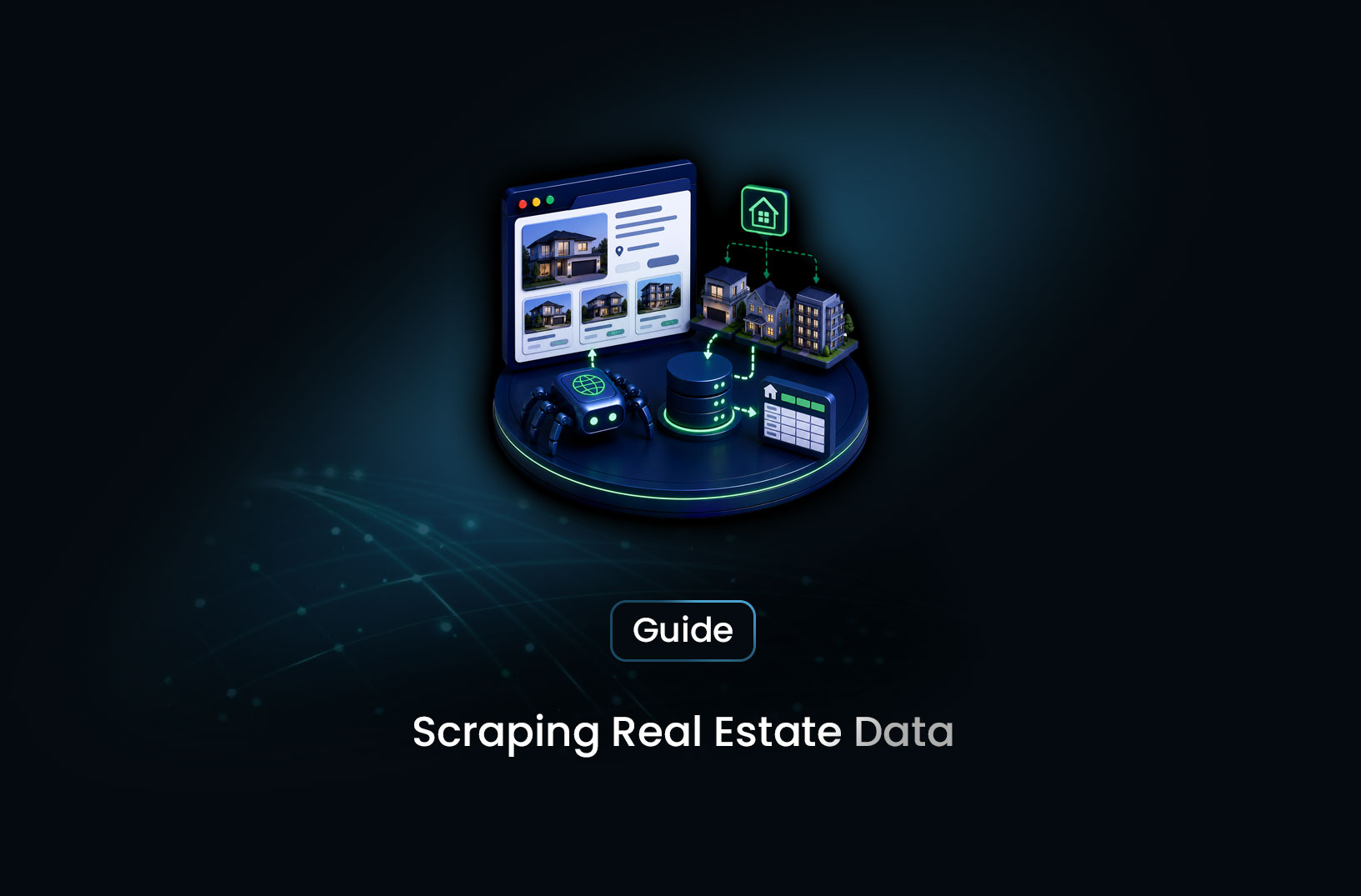
How to Collect Real Estate Data at Scale With a Web Scraping API
Learn how to collect real estate data at scale using a web scraping API — property listings, pricing...

How to Use a Web Scraping API for Market Research (Step-by-Step Guide)
Learn how to use a web scraping API for market research — collecting competitor data, pricing intell...
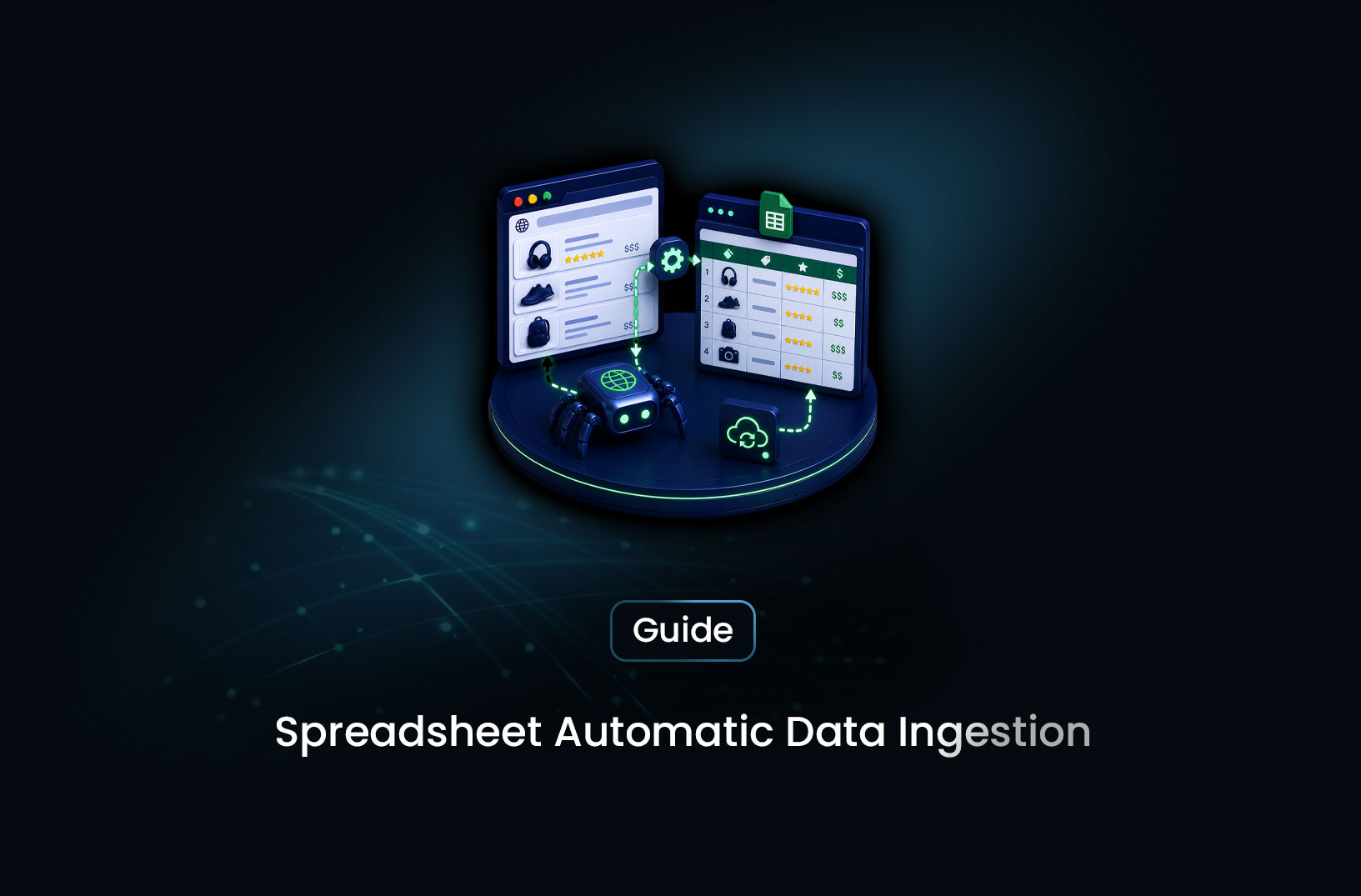
How to Automatically Extract Tables From Websites Into a Spreadsheet
Learn how to automatically extract tables from websites into a spreadsheet — using Python pandas, Go...